
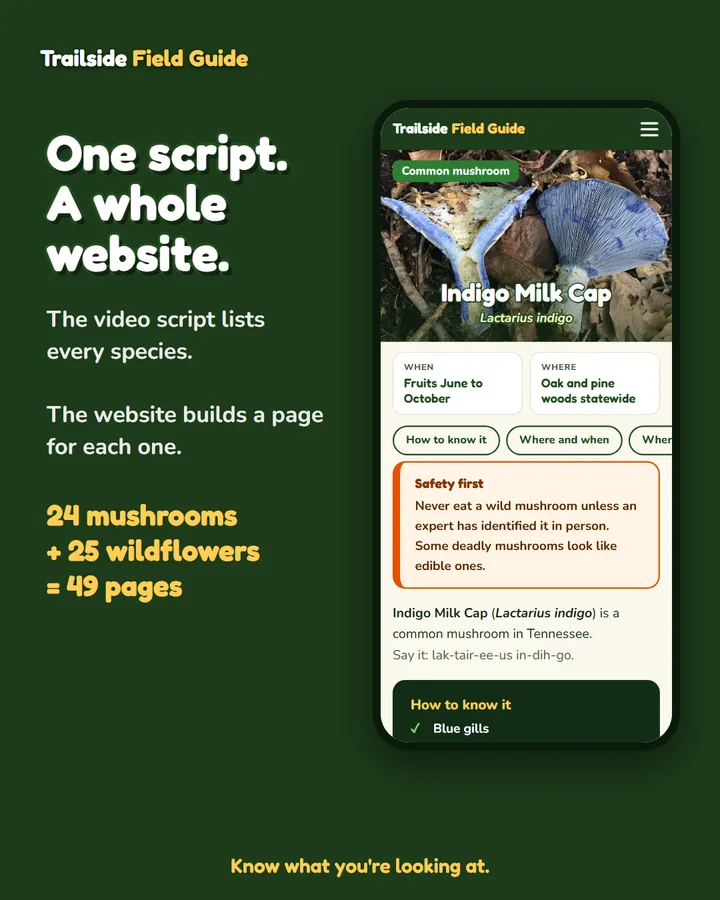
Most websites start with a blank page and a lot of typing. Trailside Field Guide started with something better: a script. Before every video, Morgan writes down each species she will cover, the months it blooms or fruits, where in Tennessee it grows, what to look for, and what it gets confused with. That is already most of a web page, sitting in a file.
So we stopped treating the website as a separate job. The same file that makes the video now makes the pages.
Structure the content once
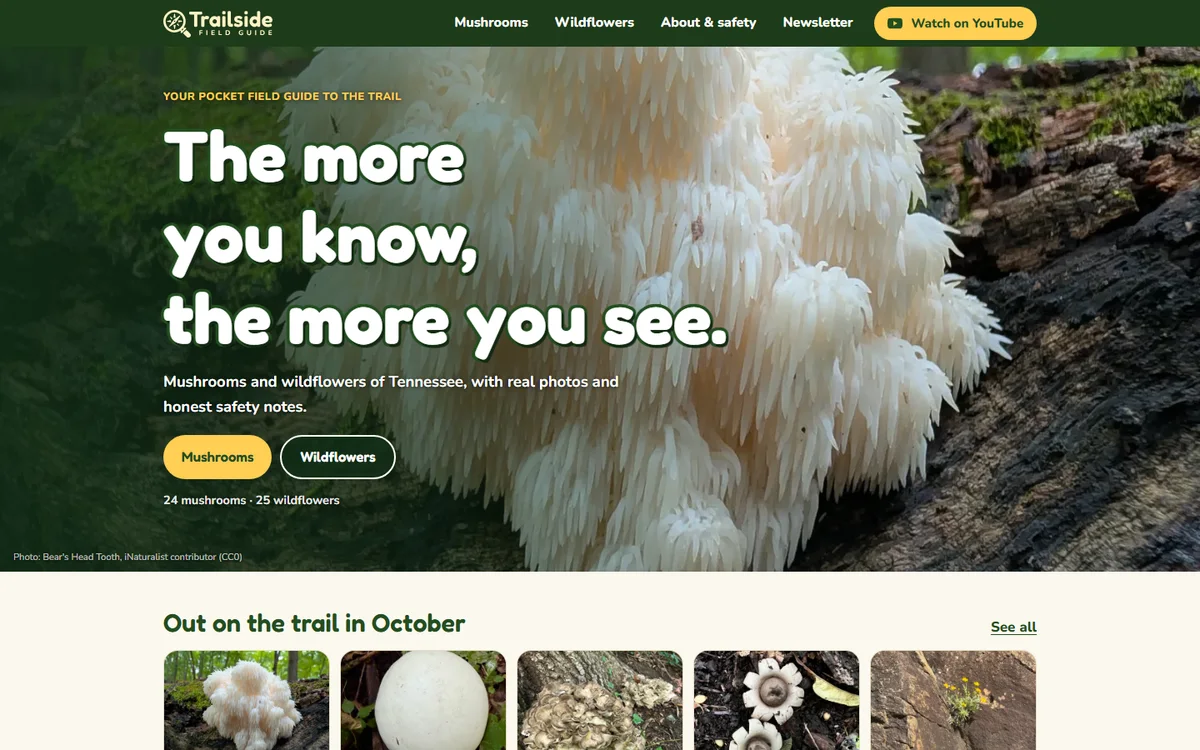
A species is a small, repeatable shape: a name, a scientific name, a season, a region, a look-alike warning. When that shape is written down the same way every time, a page template can read it. The first two videos covered 24 mushrooms and 25 wildflowers, so the site launched with a page for every one of them, each with a Tennessee map, a season strip, a where-to-look list, and a photo credit.
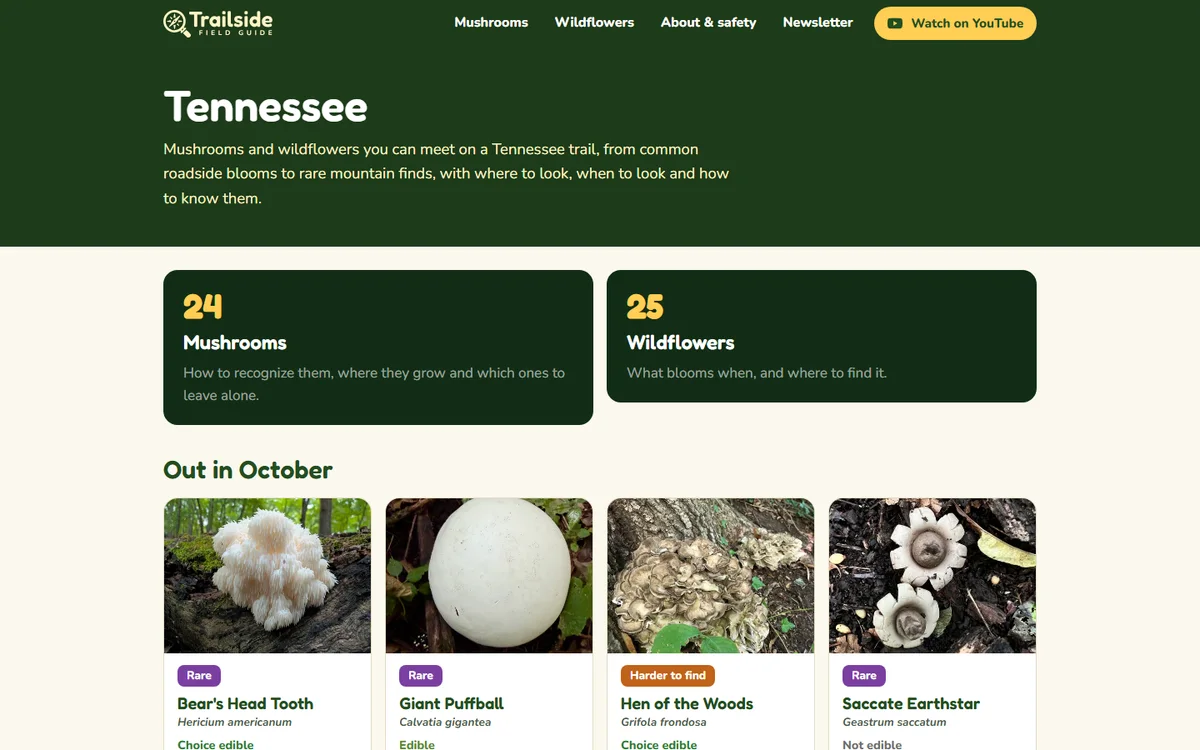
The site will keep growing. More videos, more states, and more kinds of plants and fungi mean more rows in the same file, and more pages out the other end. The design work was done once. Adding a species is data entry.
Say the important thing the same way every time
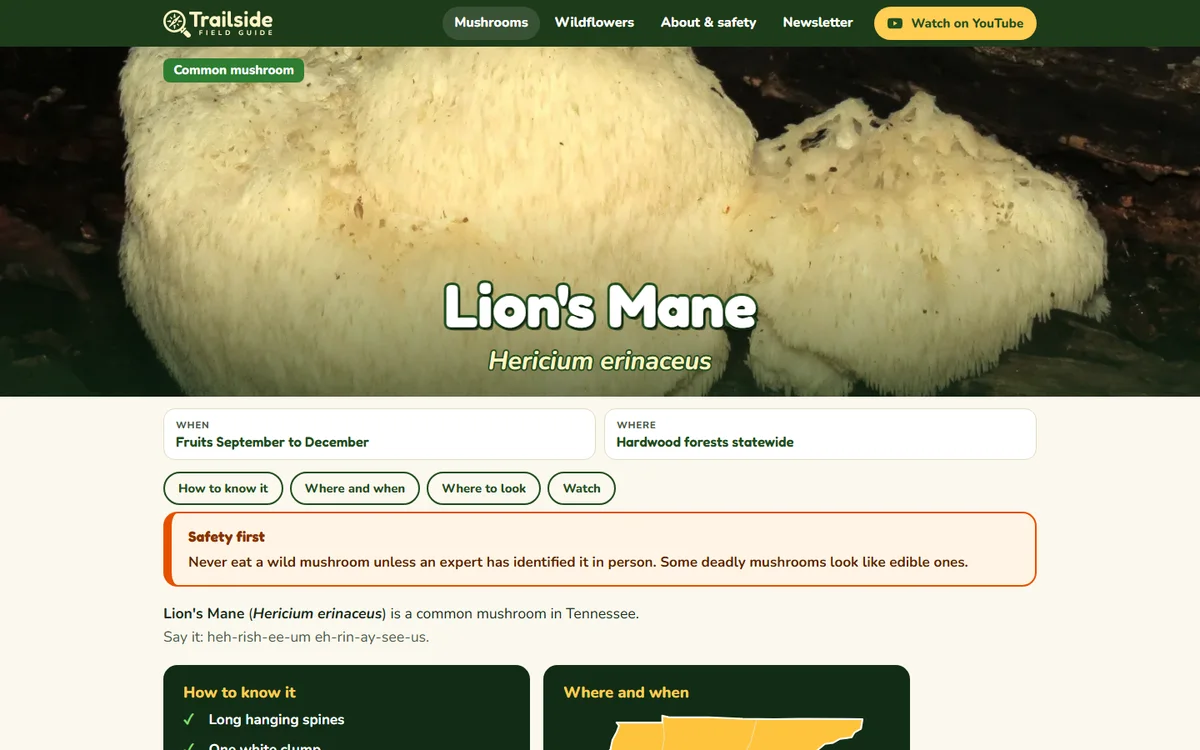
Every mushroom page opens with the same safety note, worded identically. When a sentence matters that much, it should not be rewritten from page to page, and a template makes that easy to enforce. Anyone who lands on a single page from a search gets the warning before anything else.
Real photos, with names on them
Trailside uses real photographs only, and every one is credited on the page where it appears. Most come from nature photographers who share their work through iNaturalist under licenses that allow reuse. Credit lines live in the same data as everything else, so a photo can never show up without its name attached.
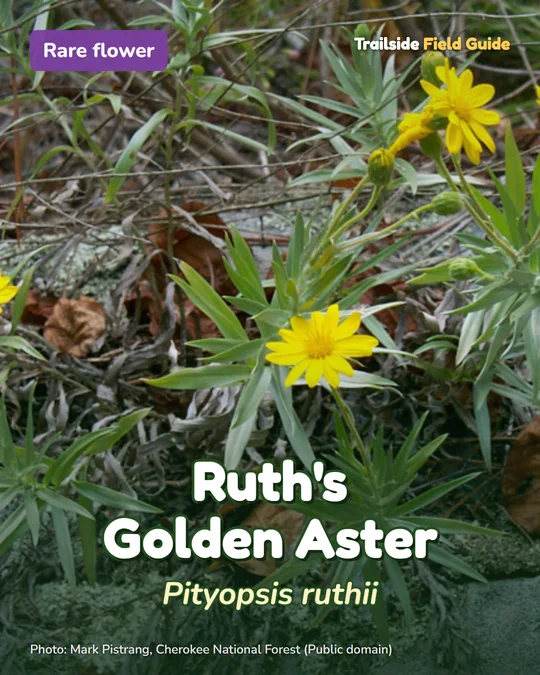
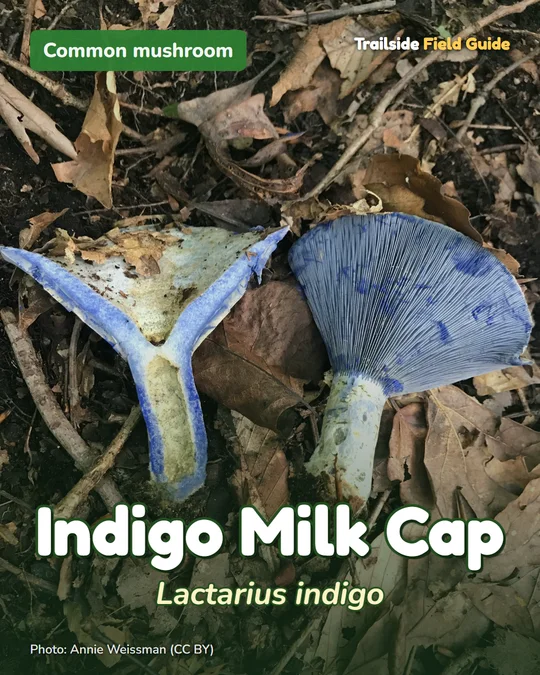
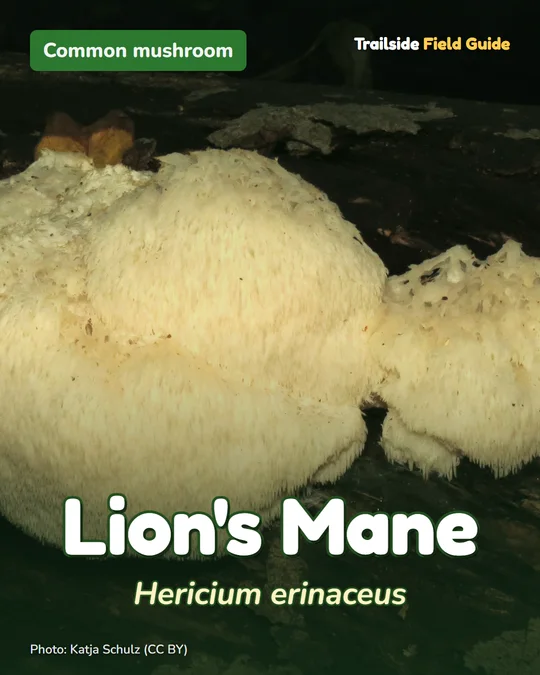
One system, three places
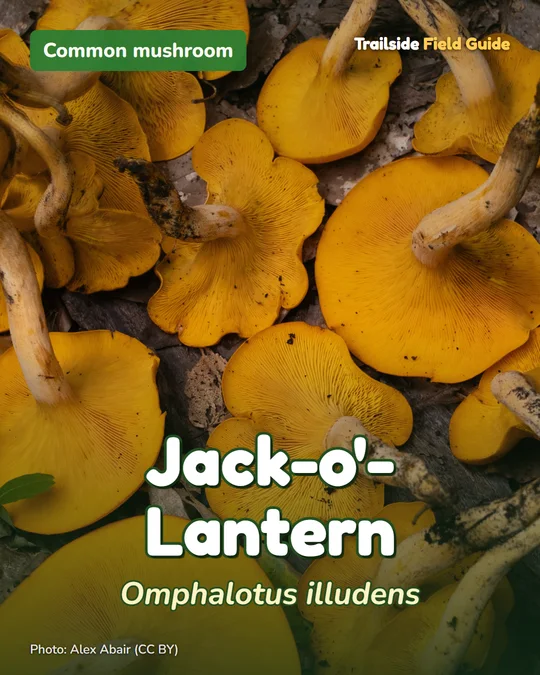
The same data also feeds the share images that appear when a page is posted to social media, and the post cards used on the feed. One source, one look, no copying and pasting between tools. When a name, a month, or a photo credit gets corrected, it gets corrected everywhere.
What to take from it
If you already produce content in a consistent shape, such as products, services, locations, recipes, or team members, your website can be generated from it instead of rebuilt by hand. The question to ask is not how many pages you need, but what the one repeatable shape is. Get that right and the page count becomes the easy part.
See the full project in the Trailside Field Guide case study, or visit the live site at trailsidefieldguide.com. If you have content that could become a site like this, start a project brief.